Audio To Text Converter
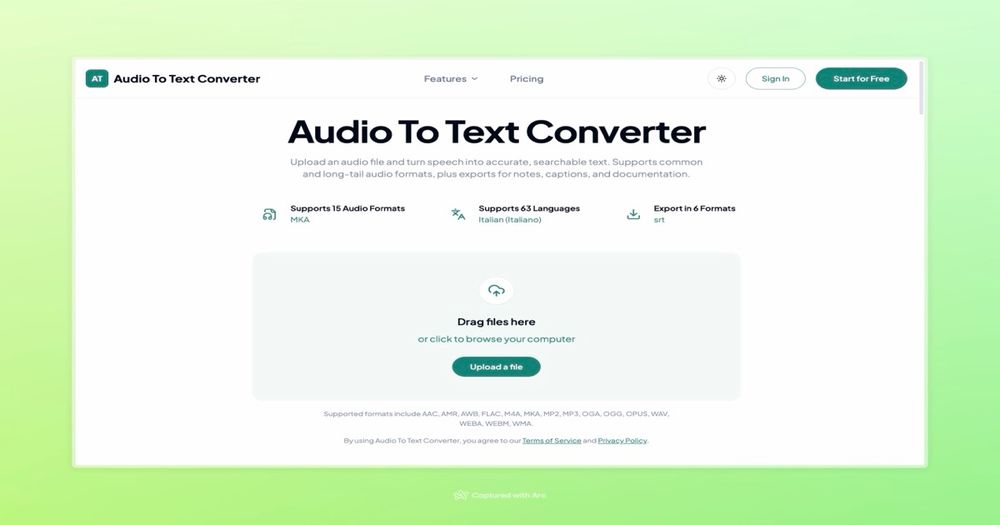
Audio To Text Converter turns uploaded recordings into searchable, editable transcripts. It helps transform interviews, meetings, lectures, voice memos, and other spoken recordings into text that is easier to read, search, reuse, and share.
Key capabilities
- Upload audio recordings and generate transcripts
- Search and edit the resulting text
- Create summaries and key points
- Export files as TXT, PDF, DOCX, CSV, SRT, or VTT
- Use transcripts for notes, captions, and documentation
Common use cases
Researchers can convert interviews into written notes. Students can turn lectures into searchable study material. Teams can keep a written record of meeting discussions. Creators can use the transcript as a starting point for captions and subtitles.
Workflow
Start by uploading an audio recording. After the speech is converted to text, review the transcript, make any needed edits, and use the summary and key points to understand the recording quickly. Export the text in the file format that fits the next stage of your workflow.
The product is designed to make spoken information practical to work with: rather than repeatedly playing a recording to find one detail, users can scan, search, annotate, and share the transcript.